 CDiag
Your CFMOTODiagnostics.
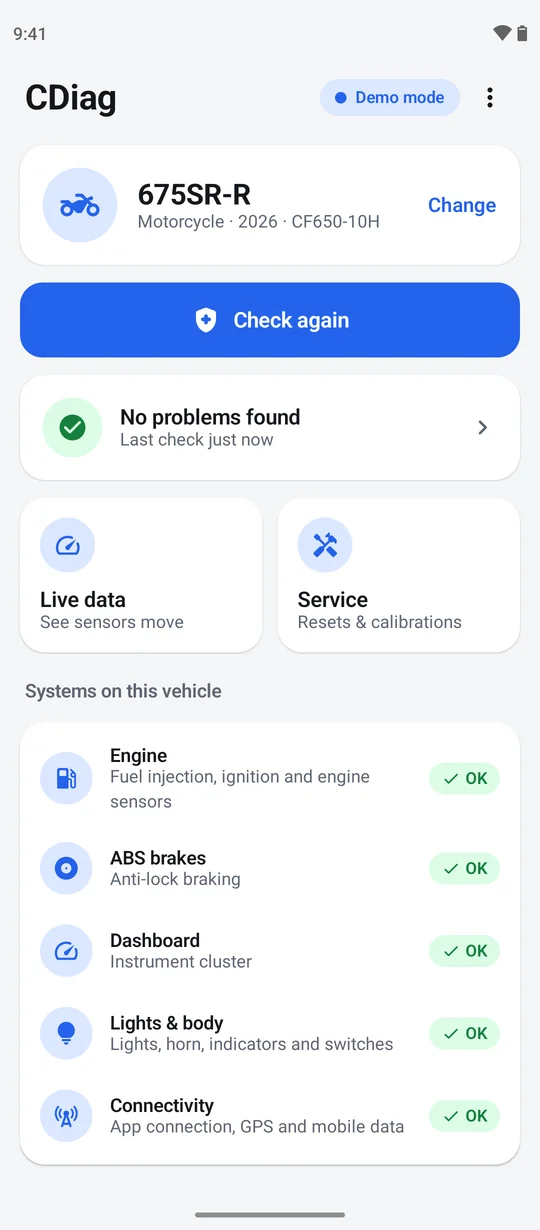
Plug your phone into your bike, quad or side-by-side. CDiag finds the vehicle by itself, checks every system and tells you what it finds — in plain words.
Plug in Adapter in the socket, ignition on.
CDiagPlug your phone into your bike, quad or side-by-side. CDiag finds the vehicle by itself, checks every system and tells you what it finds — in plain words.
Plug in Adapter in the socket, ignition on.
Automatic
No lists, no model codes. CDiag asks the engine for its model code and VIN and picks the exact model — even variants that differ only by their engine.

One tap
Engine, ABS, dashboard, lights, keyless start, steering and more. You see straight away what is fine and what needs a look.

Plain words
Each problem says what it is, whether it is happening now or happened before, and whether it lit a warning light. Tap Details to see the conditions when it happened.

Live data
Engine speed, throttle, temperatures, voltage — big numbers, each with its own graph. Pick what you want to see and share the recording as a spreadsheet.

Service
Reset service reminders, match tyre-pressure sensors, bleed the ABS brakes, turn features like the quickshifter on or off, and test parts like the fuel pump or the fan. CDiag asks before it changes anything and walks you to a clear ✓ Done.


Light & dark
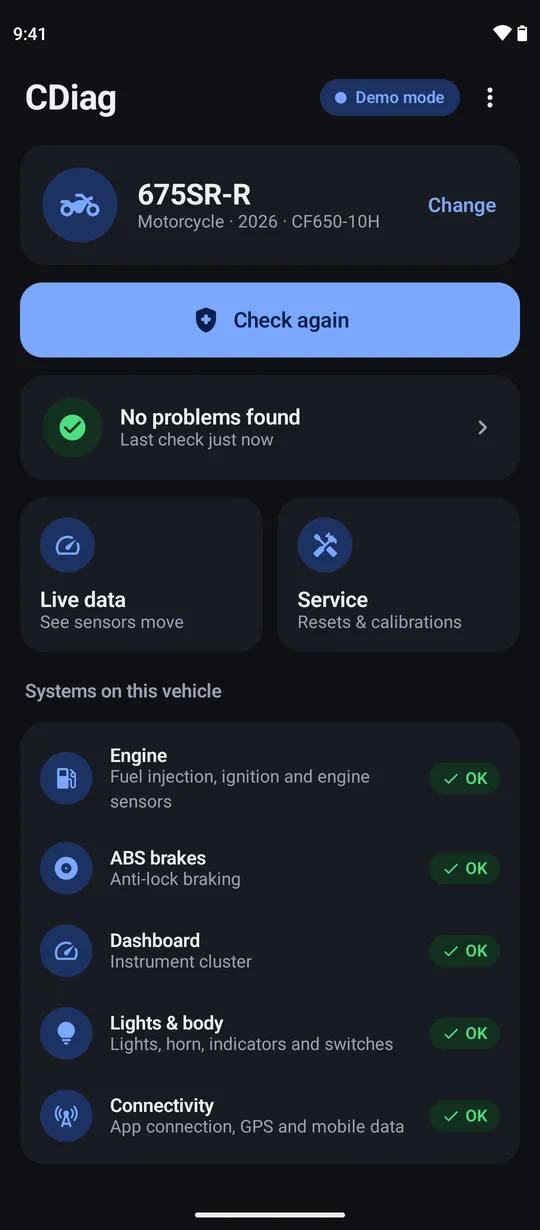
CDiag follows your phone’s look — bright in the sun, calm in the garage.
The lineup
From city bikes to big side-by-sides. Every model knows which systems it has.
Street, adventure and touring — SR, NK, MT, CL-X.
CFORCE quads, from C4 to the big four-wheelers.
UFORCE utility side-by-sides.
ZFORCE sport side-by-sides.
Adapters
Any ELM327-compatible adapter works, by cable or wirelessly. Plug it into the 16-pin socket of your CFMOTO — the most common ones:
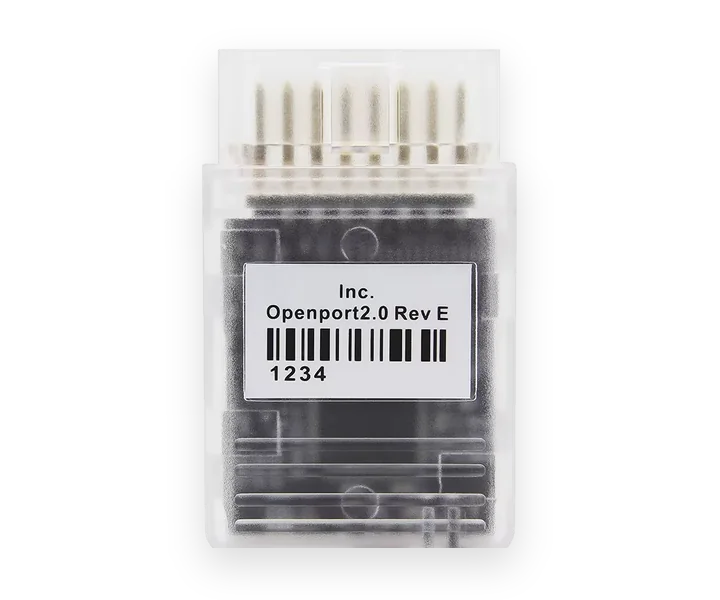
USB · with a USB-OTG cable
The most complete choice: every check, live data and every service function.
Buy on AliExpress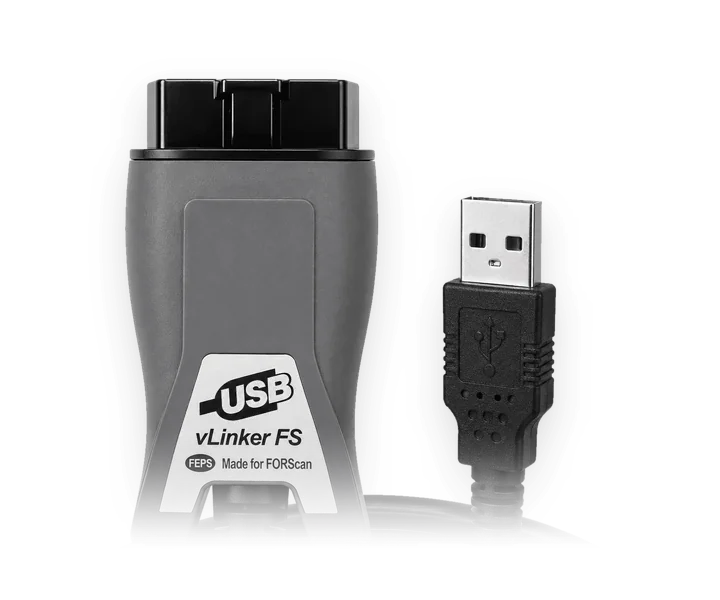
USB · with a USB-OTG cable
Fast STN chip: checks, live data and service functions, including the longer messages some need.
Buy on AliExpress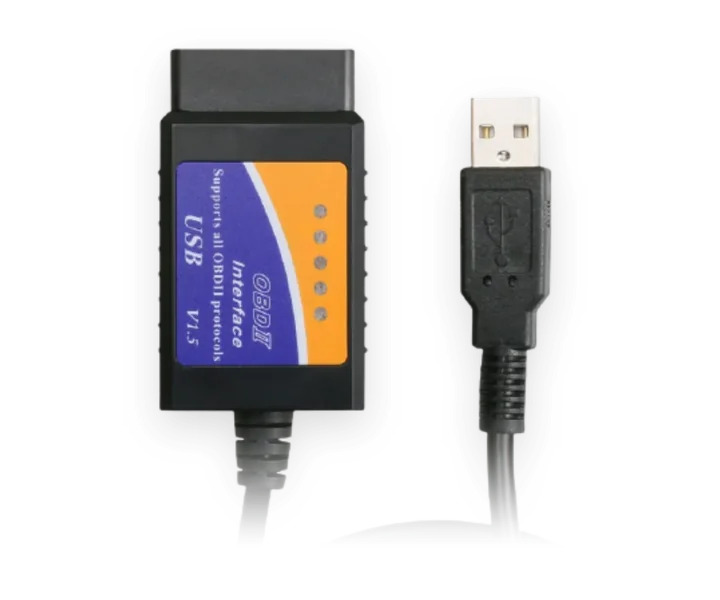
USB · with a USB-OTG cable
The common, low-cost adapter. Checks, live data and most service functions. Nothing to pair.
Buy on AliExpress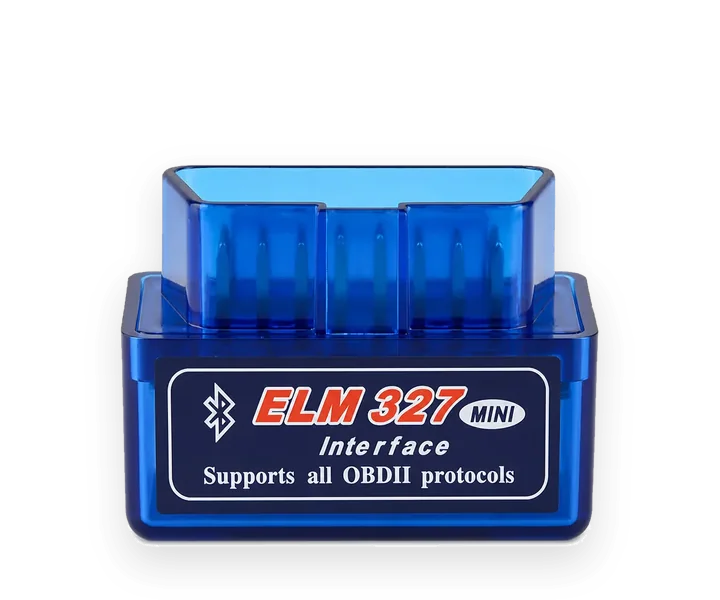
Bluetooth · Bluetooth LE · Wi-Fi
No cable to the phone. Checks, live data and most service functions.
Buy on AliExpressOther adapters work too: OBDLink and other STN-based adapters work like an ELM327 and can also send the longer messages a few service functions need.
Cheap ELM327 copies vary in quality; if one struggles, an OpenPort 2.0 or a vLinker is the safe choice.
The AliExpress buttons are affiliate links: if you buy, CDiag may earn a small commission, at no extra cost to you. They lead to adapters we picked for quality and good reviews.
Getting started
Android 8 or newer, with a USB-OTG cable or adapter.
A OpenPort 2.0, a Vgate vLinker or an ELM327. See adapters
Into the 16-pin diagnostic socket. Engine off, then tap Check vehicle.
Privacy
Checks and live data run entirely on your phone. No ad networks, no trackers.
Results and session recordings are saved on your phone. You decide what to share.
The app gets the vehicle list and its updates from cdiag.app, checks your plan, and fetches a one-time key when a service function unlocks a control unit.
You sign in with Google — only to hold your plan. For your free vehicle we keep a one-way code of its VIN, never the VIN itself. We count installs, updates and downloads — never what you check on your vehicle.
CFMOTO motorcycles, ATVs, UTVs and SSVs with a 16-pin diagnostic socket. Newer models that use CAN work today. Older models whose engine uses the K-line are still being tested. On some models a few systems (for example power steering) sit on a separate wire and need a small pin adapter.
An OpenPort 2.0 (the most complete), a Vgate vLinker or an ELM327 (USB, Bluetooth or Wi-Fi); OBDLink works too. It plugs into the vehicle’s diagnostic socket and connects to your phone by cable or wirelessly. See all adapters.
No. Checking, reading and live data never change anything. Clearing problems, service functions, feature switches and part tests always ask first and explain what will happen.
Yes. CDiag needs an internet connection while you use it (mobile data or Wi-Fi is fine): it checks your plan, keeps the vehicle list up to date and gets the keys that service functions need from cdiag.app.
No. The first time you open it, CDiag downloads the vehicle list by itself (about 1 MB) and keeps it up to date — new models arrive without an app update.
No, CDiag is Android only. iPhones can’t use USB adapters like the OpenPort 2.0 or the vLinker FS.
No. CDiag is independent and not affiliated with CFMOTO or any adapter maker.
Android app
Download it, plug in your vehicle and see for yourself. Demo mode needs no vehicle. Also on Google Play (in testing).
Prefer Google Play? Join the test on Google Play — it is the same app and your account stays the same.